Finding the right typography for a vintage-inspired project usually means buying individual typefaces one by one. The Retro Bundle Collection Font solves this by grouping twelve distinct, modern retro typefaces into a single package. Whether you are designing boho wedding invitations, groovy t-shirts for your print-on-demand store, or branding materials for a small business, having a versatile library saves both time and money. This specific volume focuses on stylish scripts and elegant letterforms that give off a distinct 1970s and mid-century vibe, making it highly practical for everyday creative tasks.
What projects work best with these vintage styles?
When working with nostalgic aesthetics, the application matters just as much as the letterforms. These typefaces shine in projects that need a warm, approachable feel. For example, if you are designing a boutique logo, pairing a flowing script with a highly readable serif creates a professional yet inviting look. This approach ensures your final product looks cohesive rather than chaotic, which is especially important when designing merchandise or client deliverables.
Crafters using cutting machines will find the sweeping tails and ligatures perfect for wooden signs and acrylic cake toppers. If you want to mix styles, combining these groovy scripts with a classic typewriter style adds a nice visual contrast to your layouts. They are also excellent for editorial layouts, much like how you would use a refined editorial typeface for magazine headers or blog graphics. If you eventually want to expand your library further, exploring another curated retro collection can give you even more options for your design toolkit.
Which typefaces are included in the bundle?
The collection includes twelve unique designs, each bringing a slightly different flavor of retro charm to your workspace. Here is exactly what you get:
- Another Beauty: A flowing, elegant script ideal for wedding stationery.
- Hugme: Soft and rounded, great for friendly brand identities.
- Kailsix: Features sharp contrasts and stylish swashes.
- Masion Paris: Brings a touch of vintage French elegance.
- Midnight Illusion: A moody, dramatic script for evening event invites.
- Mikybean: Playful and bouncy, perfect for children's apparel.
- Murph Oldtown: A rugged, nostalgic feel suited for outdoor or heritage brands.
- Rahla: Smooth curves that work beautifully on social media graphics.
- Salty Caramel: Sweet and groovy, ideal for food and beverage packaging.
- Seicori: Minimalist retro vibes for modern boho designs.
- Siofeca Martis: Intricate details that stand out on large posters.
- Tiki Tangle: Fun and tropical, great for summer-themed merchandise.
How do I use these fonts in Canva and Cricut?
Many crafters and small business owners rely heavily on accessible design software. The good news is that these files are fully compatible with popular platforms, making your workflow much smoother.
For Cricut Design Space, you will need to download the OTF or TTF files to your computer and install them. Once installed, restart the software, and the typefaces will appear in your text menu. They cut beautifully, though you may need to weld overlapping letters in highly intricate scripts to ensure clean cuts on vinyl or cardstock.
If you use Canva, you can upload custom typefaces if you have a Canva Pro account. Simply go to the Brand Kit, upload the font files, and they will be ready to use in your social media templates, presentations, and print layouts. This makes it incredibly simple to maintain brand consistency across all your digital and printed marketing materials without having to redesign templates from scratch.
For Procreate users on iPad, installing them is just as easy. Tap the file in your iPad's file manager, and it automatically adds to your Procreate text library for quick hand-lettering adjustments.
Quick setup checklist for your new typography
Before starting your next design project, make sure you follow these quick steps to get the best possible results:
- Install the OTF versions: OpenType files generally offer better support for ligatures and alternate characters than standard TrueType files.
- Enable contextual alternates: In software like Adobe Illustrator or Photoshop, turn on this feature in the character panel to see the beautiful sweeping tails connect naturally.
- Test your cut settings: If you are using a cutting machine for physical crafts, do a test cut on a scrap piece of material to ensure the thin strokes of the script do not tear.
- Pair with simple sans-serifs: Let the retro scripts be the star of the show by pairing them with clean, minimal secondary typefaces for your body text.
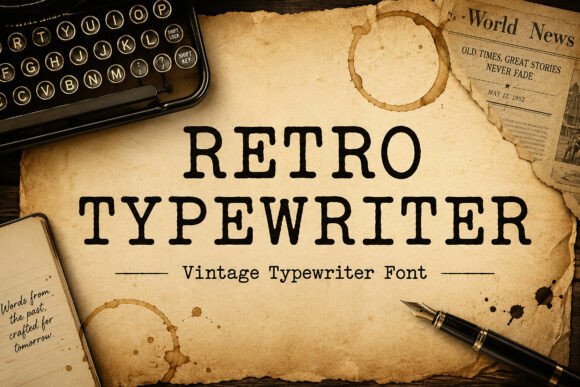 Using Retro Typewriter Fonts in Creative Projects
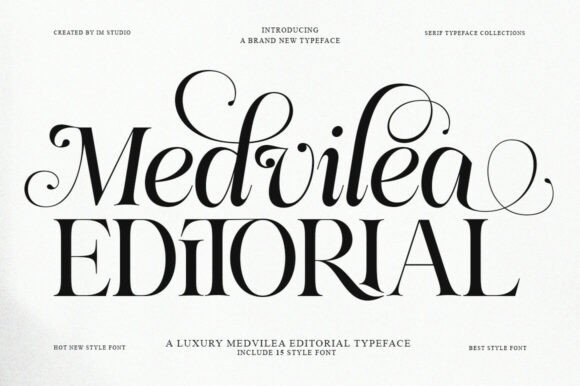 Design Elegant Magazines with Medvilea Editorial Font
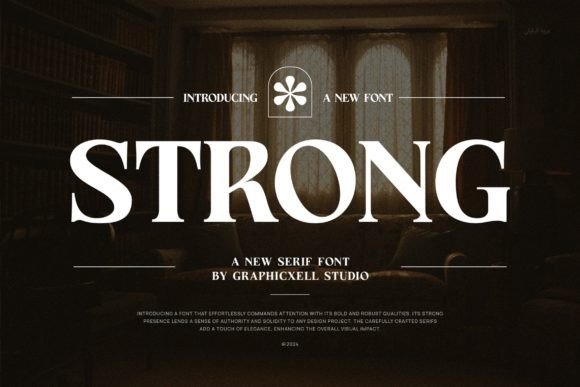 Elevate Your Design with the Perfect Strong Font
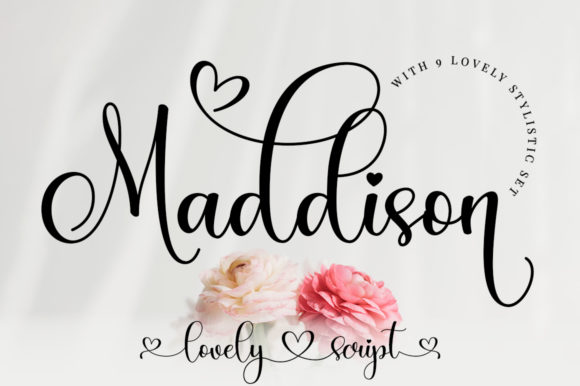 Maddison Font: Elegant Typography for Creative Projects
 Mario Font: Retro Typography for Creative Projects
 Oopsy Doodle Font: Playful Lettering for Creative Projects