Finding the right typeface combination can take hours of testing. The Wild Flower Honey Duo Font solves this problem by pairing a tall, clean sans-serif with a smooth, flowing handwritten script. This specific combination gives crafters and small business owners a ready-made typographic system that feels both modern and approachable. Whether you are designing product packaging or setting up a social media template, having two fonts that naturally balance each other saves time and keeps your branding consistent.
How do you mix sans-serif and script fonts effectively?
Mixing font styles is all about contrast. When you use a heavy, decorative script for your main title, the supporting text needs to be simple and easy to read. The Honey typeface provides that clean, readable foundation with its tall, rounded letters. It works perfectly for subheadings, pricing, or longer blocks of text. Then, you bring in the Wildflower script to add a personal, hand-lettered touch to your primary headlines.
If you are looking for other playful options to mix into your design toolkit, you might also explore a sweet and fruity typeface for summer-themed projects. The key is to let one font stand out while the other supports it, preventing your layout from looking cluttered.
What projects work best with handwritten font pairings?
This specific duo shines in projects that need a friendly, organic vibe. Print-on-demand sellers often use these styles for apparel and tote bags because the handwritten elements feel custom and unique. Small businesses can use the pairing for logo design, where the script acts as the main brand mark and the sans-serif spells out the tagline. You can see more examples of how to apply this specific handwritten pairing in real-world branding mockups to get a feel for its scale.
Here are a few practical applications for your next project:
- Wedding and event invitations: The script adds romance, while the sans-serif keeps the event details legible.
- Product packaging: Great for artisan goods, candles, or boutique skincare lines.
- Social media quotes: The tall sans-serif frames the quote nicely, and the script highlights key words.
- DIY crafting: Perfect for cutting machines when making custom decals or greeting cards.
When designing for photography portfolios, you might want to look at a more minimalist lettering style to keep the focus on the images, but for lifestyle and craft brands, this warmer approach works beautifully.
Which technical features should you check before buying a font?
Before you download any typeface, it helps to verify what characters are included. A good font family should cover your basic typing needs without forcing you to draw missing symbols manually. This particular set includes a full set of uppercase and lowercase letters, numbers, and standard punctuation.
It is also worth checking the licensing terms if you plan to use the fonts for commercial purposes, like selling physical products or creating logos for clients. If you are designing a doll-themed birthday party or a playful kids clothing line, you could also pair this with a bright and bold novelty typeface to add some extra childhood nostalgia to the merchandise.
How do you install and organize new typefaces in your software?
Once you have your files, installing them is straightforward on both Windows and Mac. Just double-click the file and hit install. To keep your design software running smoothly, organize your fonts into folders based on their style or the specific client project you are working on.
For instance, if you are working on a storefront sign and need something highly visible from a distance, you might browse through a collection of highly readable display styles to ensure your text catches the eye of passing foot traffic. Keeping your font library tidy means you spend less time scrolling through menus and more time actually designing.
Quick checklist for your next design project
Use this practical checklist to help you get the most out of your new typography tools before sending your files to print:
- Test the contrast: Print a sample of your headline and subheadline to ensure the script is legible and the sans-serif is dark enough.
- Adjust the tracking: Give the tall sans-serif letters a little extra space between them to make the text look more premium.
- Limit your colors: Stick to two or three brand colors so the intricate details of the handwritten script do not get lost in a busy background.
- Check the kerning: Look closely at how the script letters connect and adjust the spacing manually if any two letters look awkwardly joined.
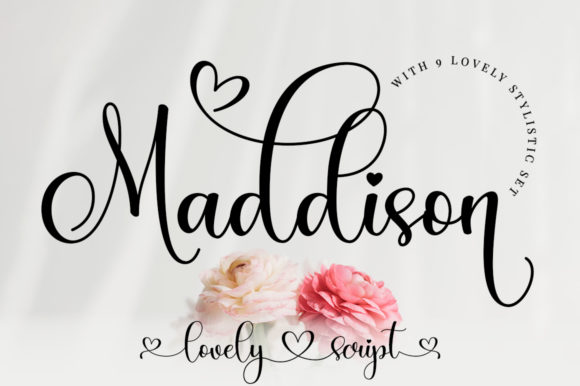 Maddison Font: Elegant Typography for Creative Projects
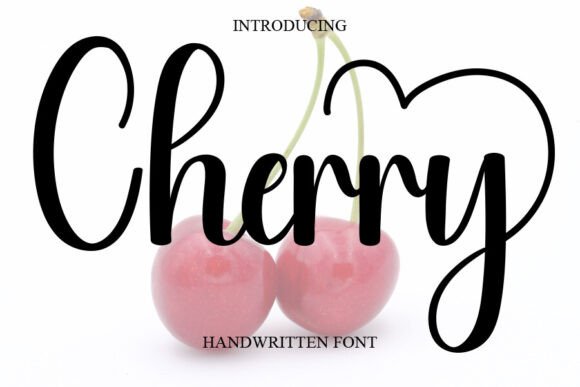 Cherry Font: Playful Typography for Creative Projects
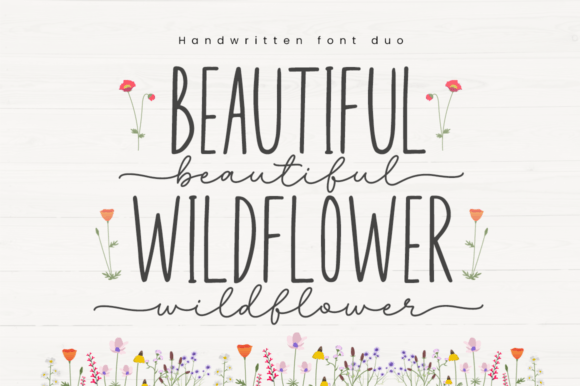 Beautiful Wildflower Duo Font for Elegant Branding
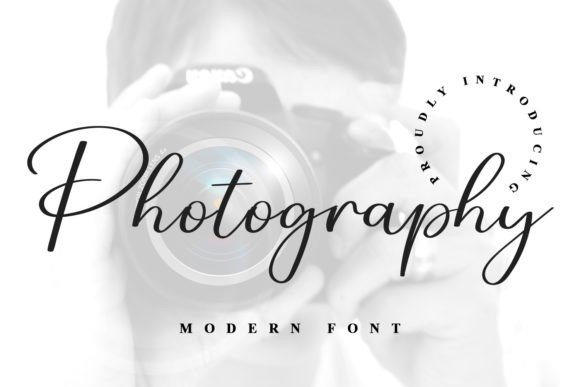 Best Photography Fonts for Portfolios
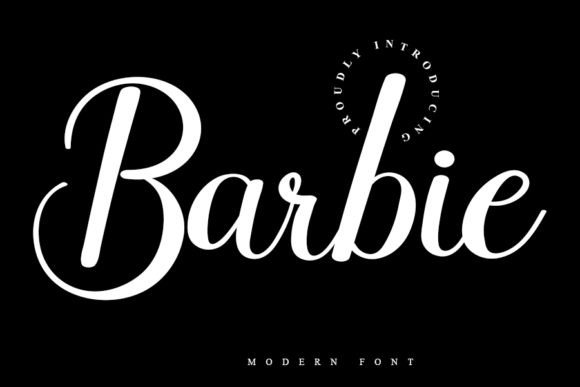 Designing with the Barbie Font: Creative Project Ideas
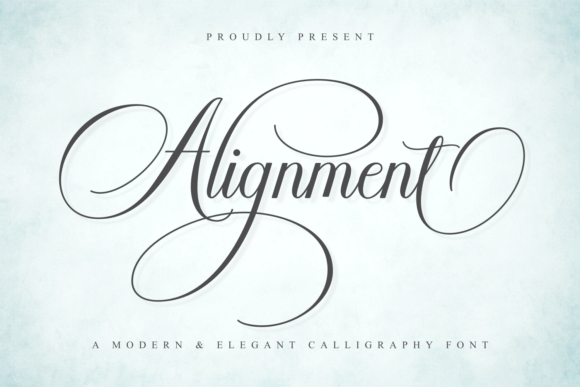 Mastering Grid Layouts with Alignment Fonts