If you're looking for a script typeface that feels both romantic and approachable, the Maddison Font is worth a closer look. This calligraphy typeface features characters that gently dance along the baseline, giving your text a hand-lettered feel without the effort of drawing each letter by hand. It works well for wedding invitations, branding kits, social media graphics, and print-on-demand products where a personal, elegant touch matters.
What Does Maddison Font Actually Look Like?
Maddison falls into the romantic calligraphy category. The letters have flowing connections with subtle variations in stroke weight, which mimics the look of brush pen lettering. The baseline isn't perfectly straight individual characters sit slightly higher or lower than their neighbors, creating that casual, organic rhythm you'd expect from real handwriting. You can see more details on the Maddison product page if you want to preview the full character set before downloading.
What makes it practical for design work is the PUA encoding. This means every alternate character, swash, and decorative glyph is accessible directly from your keyboard or character map. You don't need specialized design software to reach the extra flourishes. Programs like Canva, Microsoft Word, and Cricut Design Space can all access these glyphs without extra steps.
Which Projects Suit This Typeface Best?
Because of its sweet, feminine character, Maddison fits naturally into certain types of creative work:
- Wedding and event stationery invitations, save-the-dates, place cards, and menus
- Branding for small businesses logos, packaging labels, and thank-you cards for boutiques, bakeries, or florists
- Print-on-demand products mugs, tote bags, t-shirts, and wall art with inspirational or romantic quotes
- Social media content Pinterest pins, Instagram stories, and blog headers
- Crafting and DIY vinyl decals, scrapbook titles, and handmade gift tags
If your project needs something more playful or bold, you might also explore options like the fun Barbie-inspired script styles available in the same collection. For a nature-inspired pairing, the wildflower duo set combines nicely with romantic scripts for botanical-themed designs.
How Do You Pair Maddison with Other Fonts?
Script fonts like Maddison work best when balanced with a clean, simple supporting typeface. Here are a few practical pairing approaches:
- Use a light sans-serif for body text. Something minimal like Montserrat or Lato keeps the layout readable while letting Maddison take the spotlight in headings.
- Try a structured serif for contrast. If your project feels more formal, a serif like Playfair Display adds weight without competing with the script.
- Match with a complementary script for accents. The Shina Qatline collection offers a different calligraphic mood that can work alongside Maddison for multi-line designs where you want visual variety.
A good rule is to never use two script fonts at the same size. Make one clearly dominant and the other a subtle accent. For more structured layout work, you might also check out the alignment-focused script options that are designed with grid-based compositions in mind.
Is Maddison Font Easy to Install and Use?
Yes. After downloading, you'll typically receive OTF and TTF files. Installation is straightforward:
- On Windows: Right-click the font file and select "Install"
- On Mac: Double-click the font file and click "Install Font"
Once installed, Maddison appears in your font menu across all applications. To access the swashes and alternate characters, open your system's character map on Windows or Font Book on Mac, or use the glyphs panel in Adobe Illustrator or Photoshop.
You can find Maddison on Creative Fabrica, where it's available as part of their growing font library. The platform also offers a subscription that gives access to thousands of other fonts and design assets, which is useful if you regularly work on multiple projects.
For more details on how PUA encoding works and why it matters for crafters, you can read this guide on accessing PUA-encoded characters.
What Should You Check Before Starting Your Project?
Before you begin designing with Maddison, run through this quick checklist:
- Confirm your license type. Check whether you need a personal or commercial license, especially if you're selling products with the font.
- Test all the alternates. Open the glyphs panel and scroll through every swash and alternate character before finalizing your design you might find a better option than the default.
- Check readability at small sizes. Calligraphy fonts can lose clarity below 18pt. Print a test sample if your project involves small text.
- Preview on the final medium. Colors and line weights look different on screen versus printed paper or vinyl. Always do a test run on your actual material.
- Keep your body text simple. Let Maddison be the star. Pair it with one clean, readable font for supporting text.
Take your time exploring the alternate glyphs they're where this font really shines and where you'll find the unique touches that make your design feel one-of-a-kind.
Learn More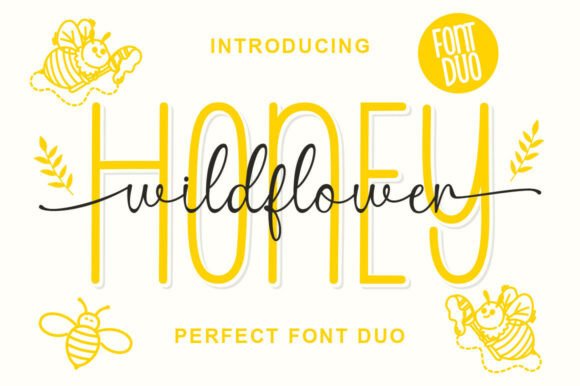 Wild Flower Honey Duo Font for Organic Branding
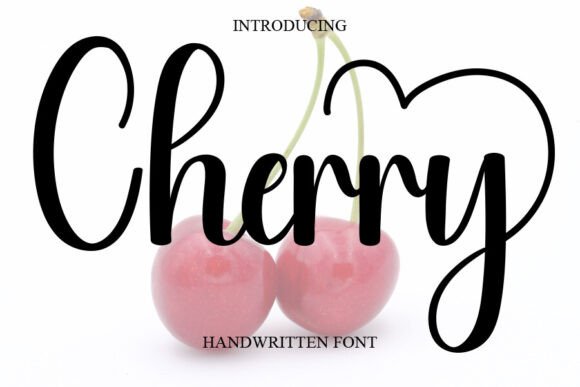 Cherry Font: Playful Typography for Creative Projects
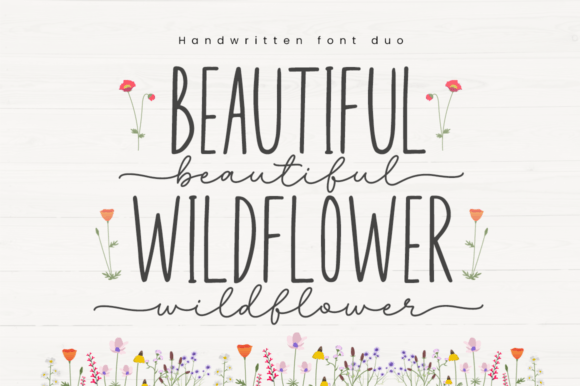 Beautiful Wildflower Duo Font for Elegant Branding
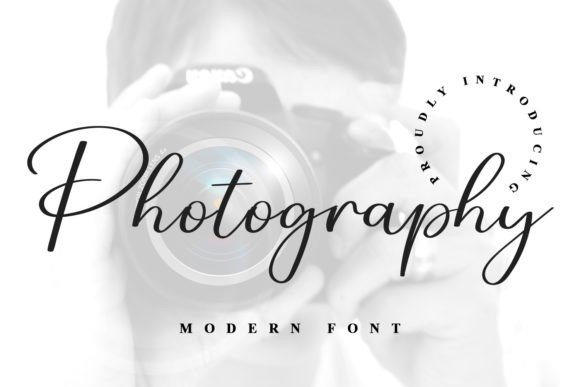 Best Photography Fonts for Portfolios
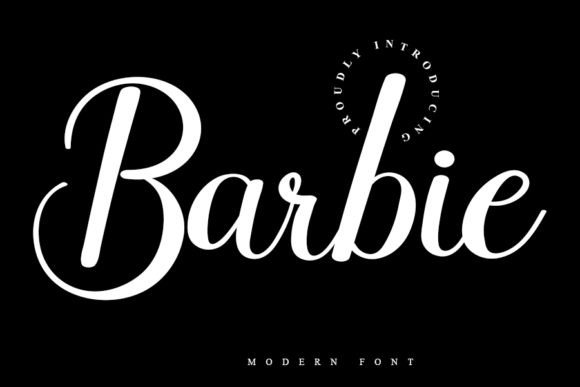 Designing with the Barbie Font: Creative Project Ideas
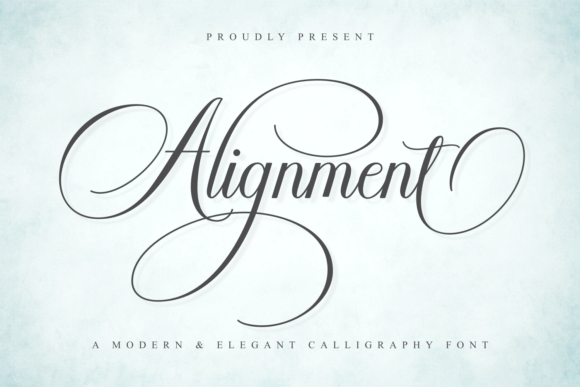 Mastering Grid Layouts with Alignment Fonts