Finding the right typeface for a branding project or wedding invitation can take hours of scrolling. You need something that looks professional but still feels personal. The Strong Font is an elegant serif typeface that blends a classy, modern style with excellent readability. Whether you are a small business owner designing product packaging or a crafter making custom wedding stationery, this typeface gives your text a refined look without sacrificing clarity.
What makes a modern serif typeface work for branding?
When you look at successful brand identities, many rely on serif typefaces to build trust and convey quality. A modern serif keeps those classic roots but strips away the heavy, old-fashioned details. This specific typeface features clean curves and balanced letterforms, making it highly versatile. It works beautifully for logo design, social media graphics, and product labels where you want your brand to feel established yet current.
If you enjoy this clean editorial look, you might also want to explore other editorial style typefaces for your magazine layouts or blog headers to maintain a cohesive visual identity across your platforms.
How do you access special characters and ligatures?
One of the most frustrating parts of using decorative fonts is finding the extra swashes, alternates, and ligatures. This typeface is PUA encoded. This means you do not need special design software to access the extra glyphs. If you are using basic programs like Microsoft Word, Canva, or Cricut Design Space, you can easily open your computer's character map to copy and paste the beautiful ligatures directly into your project.
This feature is incredibly helpful for crafters and print-on-demand sellers who rely on accessible tools to create custom t-shirts, mugs, and tote bags. Adding a unique ligature to a word can turn a simple text design into a custom, professional-looking logo.
Which projects benefit most from high-readability serif fonts?
While display fonts are great for short headlines, you need high readability when your audience has to read longer sentences. Here are a few ways creative hobbyists and designers use this style of lettering:
- Wedding Invitations: Pairing a highly legible serif with a delicate script creates a romantic, formal aesthetic for RSVP cards and menus.
- Product Packaging: Clear, elegant text on labels helps customers read ingredients and brand stories easily without straining their eyes.
- Photography Watermarks: A clean, thin serif looks professional over images without distracting from the actual photo.
- Stationery and Planners: Excellent for daily planners, journals, and greeting cards where text needs to be crisp at smaller sizes.
For those who want to mix this clean style with something more vintage, adding elements from a curated retro typography bundle can give your packaging a unique, nostalgic twist.
How should you pair this typeface with other fonts?
Good font pairing relies on contrast. Since this is a refined serif, it pairs best with simple, unadorned sans-serif fonts or casual handwritten scripts.
For a modern, minimalist look, use this serif for your main headings and a clean geometric sans-serif for your body text. If you are designing a wedding invitation, use a flowing script for the names of the couple, and use this serif for the date, time, and venue details.
Alternatively, if you are going for an indie or rustic vibe, combining it with a classic typewriter style font for the body copy creates a wonderful, textured contrast that feels very authentic.
What software do you need to use this font?
You can install and use this typeface on both Windows and Mac computers. Once installed, it will appear in the font dropdown menu of almost any program that supports custom typography. This includes professional tools like Adobe Illustrator and Photoshop, as well as everyday applications like Word, PowerPoint, and free design platforms.
If you want to see more examples of how this specific lettering style looks in action, you can browse other projects featuring this exact typeface for layout inspiration and color pairing ideas.
Quick checklist before you start designing
Before you open your design software or fire up your cutting machine, run through this quick checklist to ensure your typography looks its best:
- Check your spelling: Always proofread your text before converting it to outlines or cutting it on a vinyl plotter.
- Test the size: Print a test page at the actual size to ensure the ligatures and thin strokes remain readable.
- Adjust the tracking: Give your uppercase letters a little extra breathing room by slightly increasing the letter spacing.
- Review the contrast: Make sure your text color stands out clearly against your background image or paper color.
Take a few minutes to test out different ligatures in your character map, pick your favorite color palette, and start sketching your next layout.
Get Started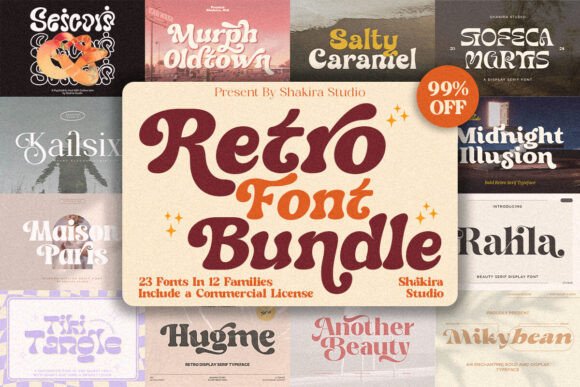 Retro Font Collection: Vintage Type for Bold Designs
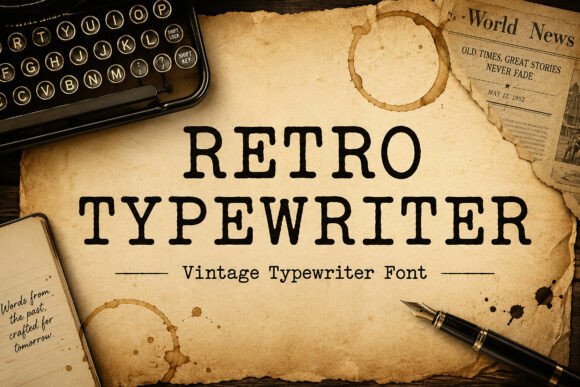 Using Retro Typewriter Fonts in Creative Projects
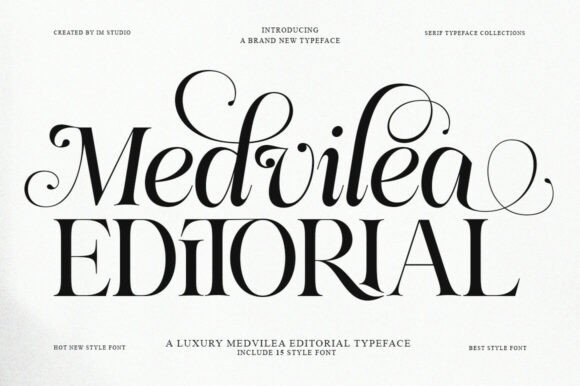 Design Elegant Magazines with Medvilea Editorial Font
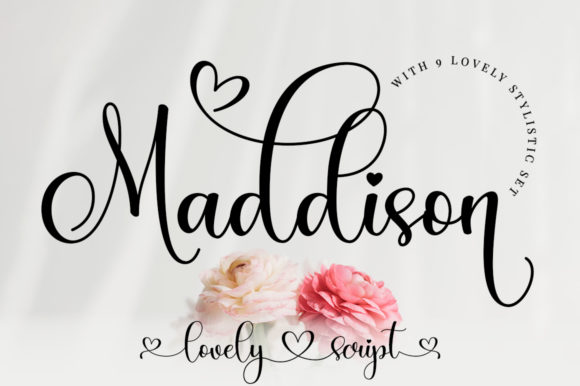 Maddison Font: Elegant Typography for Creative Projects
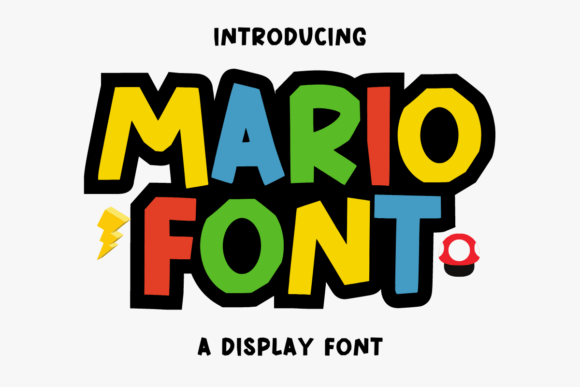 Mario Font: Retro Typography for Creative Projects
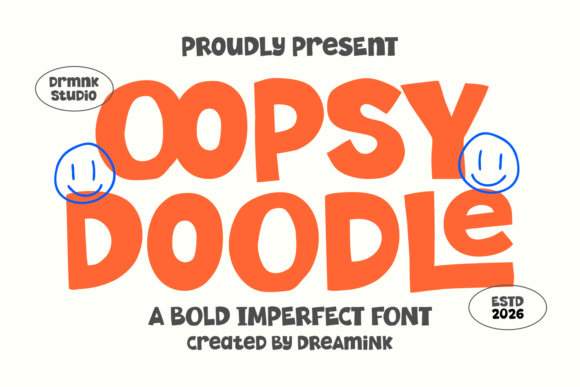 Oopsy Doodle Font: Playful Lettering for Creative Projects