Finding the right typeface for a high-end project often comes down to balancing subtle contrasts with clean, readable curves. If you are working on a premium branding kit or a fashion magazine layout, the Medvilea Editorial Font offers a precise, modern display serif that fits the bill. It provides a sophisticated aesthetic without feeling overly complicated, making it a reliable choice for designers and small business owners who need their text to look expensive and polished.
What makes a display serif work for luxury branding?
Luxury design relies heavily on typography that feels intentional. A good display serif uses varying stroke widths to create visual interest while maintaining legibility at larger sizes. When you are building a corporate identity or designing premium product labels, you want letterforms that feel deliberate. Medvilea achieves this with elegantly detailed curves that look sharp on both print and digital screens. If you are also exploring other bold options for your branding, checking out a collection of heavyweight serifs with thick strokes can give you a good point of comparison for your layout.
How many font weights do you actually need for a project?
Having just one or two weights limits your ability to create a clear visual hierarchy. This is where having a massive family of styles becomes incredibly useful. Medvilea includes 15 uniquely curated variations, giving you complete control over your layout without needing to buy separate typefaces.
- Standard proportions: Regular and Italic for your main body text, subheadings, or elegant logos.
- Condensed styles: Extra-Condensed and Semi-Condensed (plus italics) for tight spaces, narrow columns, or dramatic, tall headlines.
- Expanded styles: Expanded, Semi-Expanded, and Extra-Expanded for wide, cinematic title treatments and bold poster graphics.
This variety means you do not have to stretch or squash the text manually in your design software, which often ruins the letterforms. For projects that require a completely different historical vibe, you might eventually want to mix in some vintage monospaced styles to create a striking contrast in your editorial spreads.
Where should you use high-end editorial typography?
While the name suggests magazine layouts, this typeface is highly versatile for different types of creative work. Print-on-demand sellers can use the expanded weights for striking apparel graphics, minimalist tote bag designs, or premium wall art. Small businesses can apply the standard and italic versions to exclusive business cards, luxury packaging, and high-end cosmetic labels.
Crafters and hobbyists will find the clean lines perfect for Cricut or Silhouette cutting machines, especially when creating custom wedding invitations, acrylic signage, or personalized leather goods. If you are putting together a massive bundle of assets for a client, pairing this modern display face with a curated set of vintage serifs can help you cover a wider range of design eras in a single presentation.
Does this typeface support multiple languages and special characters?
Yes, global design needs are fully covered. The font includes both uppercase and lowercase characters, along with extensive international language support. This is crucial if you are designing for a brand that operates in multiple countries or if you need to include accented characters in your copy. You can see the full character map and test out the specific glyphs on the official product page for this editorial typeface before downloading it to your machine.
Quick tips for getting the best results
- Give it breathing room: Display serifs need generous tracking (letter spacing) and leading (line spacing) to look their best, especially when using the condensed weights in tight blocks.
- Pair it with a clean sans-serif: Let the serif do the heavy lifting for headlines, and use a simple, geometric sans-serif for your smaller body copy to keep the overall design readable and balanced.
- Use the italics for accents: The italic variants are highly stylized and work beautifully for pull quotes, secondary headlines, or subtle brand signatures on packaging.
- Check your kerning manually: Even with a well-crafted font, always manually check the spacing between specific letter pairs (like 'T' and 'o' or 'W' and 'a') when setting large logos or main titles.
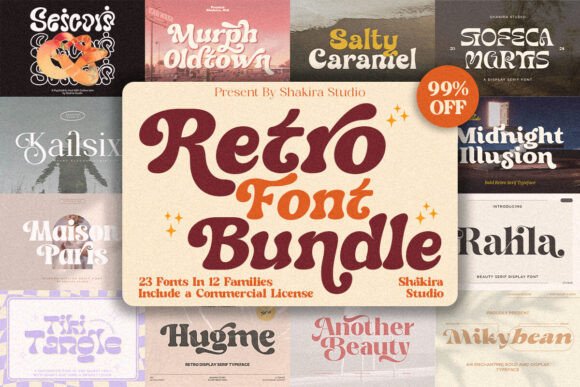 Retro Font Collection: Vintage Type for Bold Designs
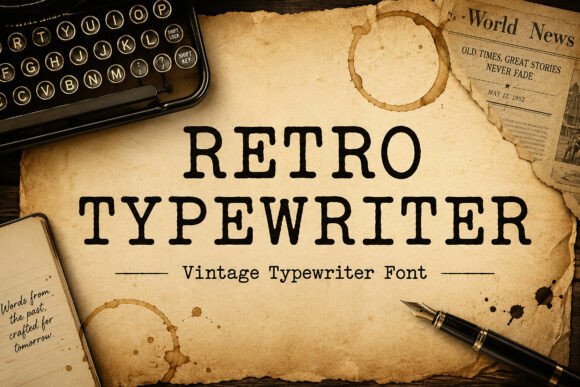 Using Retro Typewriter Fonts in Creative Projects
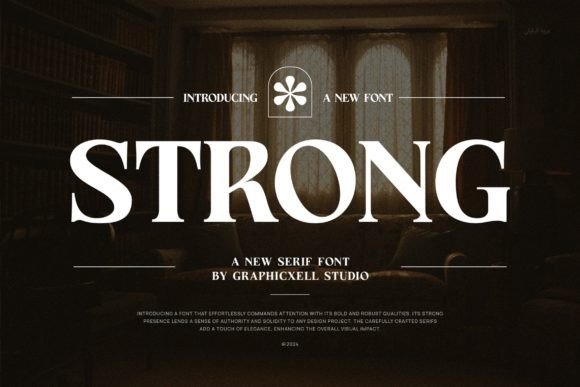 Elevate Your Design with the Perfect Strong Font
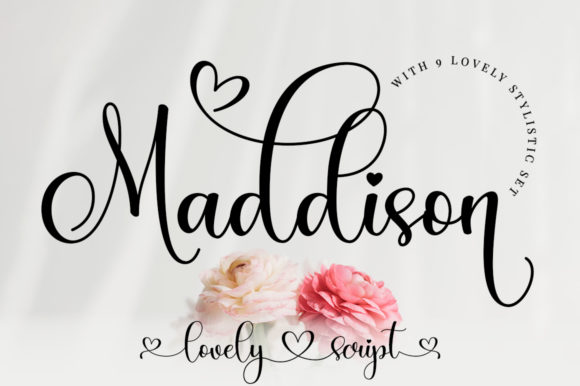 Maddison Font: Elegant Typography for Creative Projects
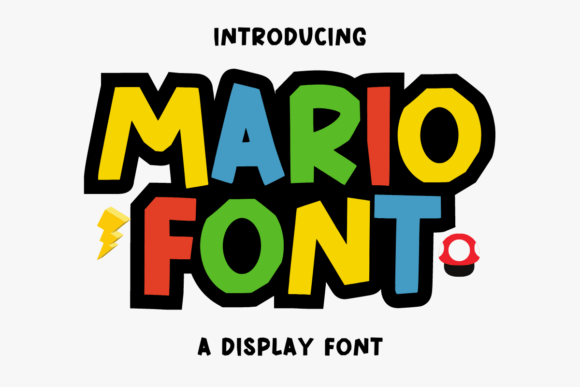 Mario Font: Retro Typography for Creative Projects
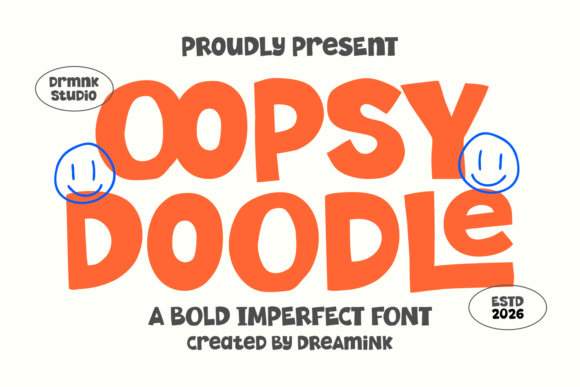 Oopsy Doodle Font: Playful Lettering for Creative Projects