When designing merchandise for kids or creating playful branding, finding the right typography can make or break your project. The Mario Font is a bold, fun display typeface that brings instant energy to any layout. Whether you are a print-on-demand seller making graphic tees or a hobbyist crafting birthday invitations, this lettering style offers a chunky, readable aesthetic that grabs attention without looking messy. If you want to see more chunky, novelty lettering for your shop, you can always browse similar heavy display styles to build a versatile design toolkit.
What projects work best with thick, playful lettering?
Heavy, rounded letters are incredibly versatile for physical products. Because the strokes are thick, they print beautifully on fabric, paper, and wood. Print-on-demand sellers often use this style for motivational quotes on coffee mugs, tote bags, or graphic tees. It is also a favorite among crafters making custom wooden signs for nurseries or playful stickers for water bottles. The bold weight ensures the text remains legible even when scaled down for small tags or clothing labels.
How do you pair a fun display typeface with other styles?
Pairing a heavy, novelty typeface requires balance. You want the main heading to stand out while keeping the body text clean and easy to read. A good rule of thumb is to contrast the thick strokes with a simple sans-serif or a neat handwritten script.
For a relaxed, organic feel, you might use Motcha for a handwritten subheading to soften the bold look. If you prefer to explore more relaxed script styles, you will find plenty of options that complement heavy headers. Alternatively, if you are designing a comic-style zine or a graphic novel cover, pairing it with Comic Books creates a cohesive, retro illustration vibe. Fans of this aesthetic can browse illustrated, retro lettering to complete their comic projects.
For a cozy, storybook feel, try mixing your bold header with Jennies House, which adds a charming, domestic touch to children's apparel and nursery decor. Crafters looking to find cozier, storybook-inspired alternatives will appreciate the warmth it brings to a layout. If your project leans more toward athletic wear or energetic summer camp merch, combining it with the Super Sport Bundle gives your design a dynamic, varsity-inspired edge. You can also discover more varsity and athletic typefaces for your team uniforms and sports merch.
What software and file formats do you need?
Before you start designing, make sure you have the right file formats for your specific workflow. Most crafters and small business owners need SVG files for cutting machines like Cricut or Silhouette. These vector files allow you to scale the text to any size without losing quality. If you are using Adobe Illustrator, Photoshop, or Canva to design t-shirts, OTF or TTF files installed directly on your computer will work best. Many beginners find that free tools are great for quick layouts, but professional software gives you more control over kerning and vector paths. Always double-check the licensing terms to ensure you have the proper commercial rights for selling physical products.
How can you make bold text easier to read on merchandise?
Heavy typefaces can sometimes look cramped if the letters are placed too close together. Adjusting the tracking, or letter spacing, slightly wider than the default setting helps the eye distinguish each character. This is especially important for long quotes or multi-word phrases on apparel. Using high-contrast colors, like white text on a navy blue shirt or bright yellow on a dark grey background, also ensures your message pops from a distance. When applying heat transfer vinyl, remember that extremely thin gaps inside the letters might peel up over time, so a chunky style is actually much more durable for everyday wear.
Quick Setup Checklist for Your Next Design
- Check your file format: Ensure you have SVGs for cutting machines and OTF/TTF for design software.
- Adjust the tracking: Add a little extra space between letters to improve readability on fabric.
- Test the contrast: Print a small paper mockup to see if the text stands out against the shirt color.
- Verify the license: Confirm your commercial use rights before listing the product in your online shop.
- Pair thoughtfully: Use a simple, clean font for your secondary text to let the bold display typeface shine.
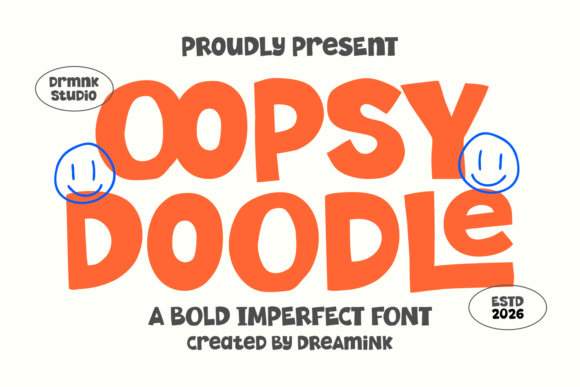 Oopsy Doodle Font: Playful Lettering for Creative Projects
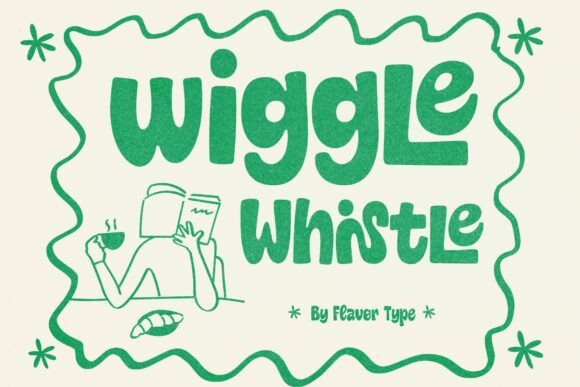 Wiggle Whistle Font: Playful Typography for Fun Projects
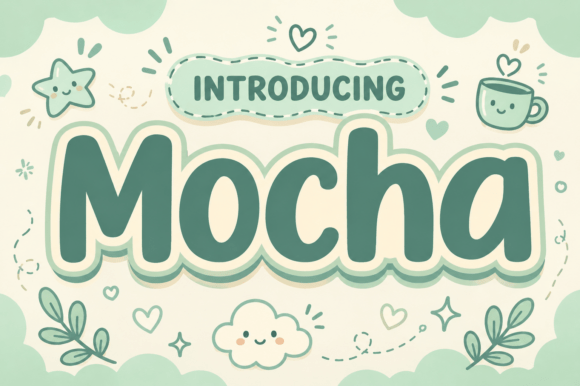 Motcha Font: Creative Typography for Your Projects
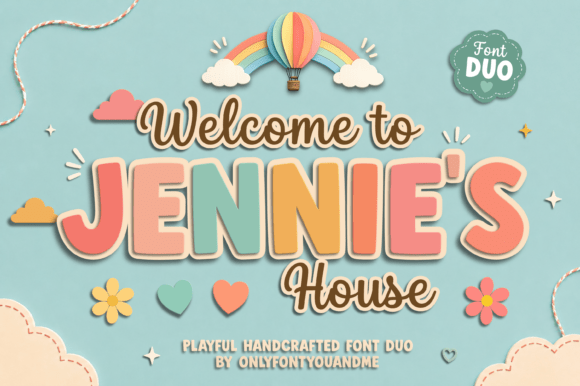 Jennies House Font: Rustic Charm for Creative Designs
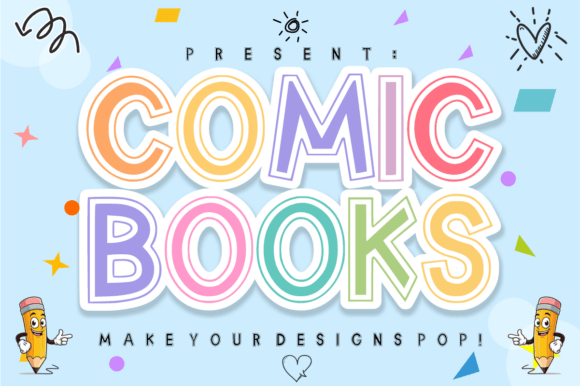 Choosing the Best Comic Books Font for Graphic Novels
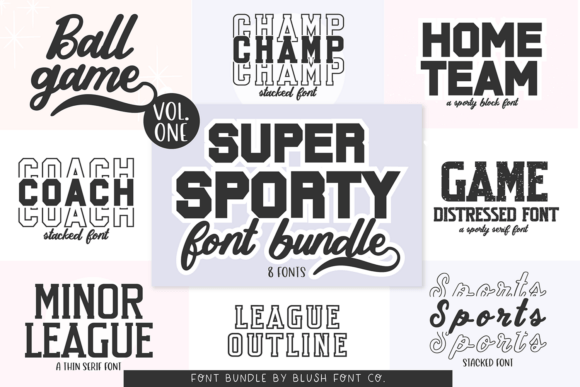 Super Sport Bundle Font for Dynamic Athletic Designs