If you are working on a Halloween craft, a spooky book cover, or a quirky apparel design, finding the right typography can make or break your project. The Spiderweb Army Font brings a highly detailed, textured look to your canvas without requiring you to manually draw webs over standard letters. It is built specifically for crafters and designers who want a bold, gothic, or seasonal aesthetic right out of the box.
How does the color version differ from the black version?
When you download this package, you actually get two distinct variations. The color version is an OpenType SVG font. This means the intricate webbing, shading, and internal textures are baked directly into the letterforms. However, this specific format requires modern software to display correctly. You will need Adobe Photoshop CC 2017 or newer, or Adobe Illustrator CC 2018 and up to see the full color effects.
On the other hand, the black version is a standard font file. This is the variation you will use if you are cutting vinyl, cardstock, or paper. It is fully compatible with Cricut Design Space and other popular electronic cutting machines. The black edition gives you the same striking outer silhouette, just without the internal color gradients. This makes it perfect for single-color vinyl decals, stencils, or wood burning projects where a solid outline is required.
What if my design software doesn't support color fonts?
Not every crafting app or mobile design tool can read OpenType SVG files. If you use Canva, Procreate, or older versions of Adobe programs, the color font might just show up as standard flat black text. To solve this compatibility issue, the creator included a folder of bonus PNG files.
These high-resolution transparent images let you drag and drop the pre-colored letters directly into your workspace. This is incredibly useful for print-on-demand sellers who need to quickly mock up t-shirts, tote bags, or mugs without worrying about software limitations. If you are exploring other seasonal typography, you might also find some great inspiration in this collection of playful and colorful typefaces for autumn projects. Mixing different styles can help your product listings stand out during busy holiday seasons.
Which projects work best with this typography?
Because of its heavy, textured style, this typeface shines when used for short phrases, titles, or standalone words. It is not meant for long paragraphs of body text, as the intricate details would become muddy at small sizes. Here are a few practical ways creators are using it:
- Halloween apparel: Printing spooky slogans or simple words on dark-colored t-shirts and hoodies.
- Party decor: Cutting large vinyl letters for windows, mirrors, or wooden welcome signs.
- Book covers: Designing bold titles for horror, dark fantasy, or mystery novels.
- Stickers and decals: Creating thick die-cut stickers for laptops, water bottles, and car windows.
The heavy weight of the letters ensures that even when you cut them out of adhesive vinyl, the delicate web details inside the letters remain intact and do not tear during the weeding process.
How do I install and use the files correctly?
Installing the font on your computer is just like adding any other typeface. Unzip the downloaded folder, right-click the OTF or TTF file, and select install. Once it is registered in your system, restart your design software so it recognizes the new addition. You can then type your text and apply the font from your text menu.
For the PNG files, you do not need to install anything. Simply keep the folder organized on your hard drive and import the images as you would any standard photo. If you want to see how this specific style compares to other options, you can browse more gothic and webbed lettering styles to find the exact match for your brand's visual identity.
Quick checklist before you start your next craft
- Check your software version to ensure it supports OpenType SVG if you plan to use the color version.
- Test cut a small section of the black version on scrap vinyl to adjust your blade depth for the intricate web details.
- Use the transparent PNG files for quick digital mockups before committing to a physical cut or print run.
- Keep your text short and increase the tracking slightly to let the internal web details breathe and remain legible.
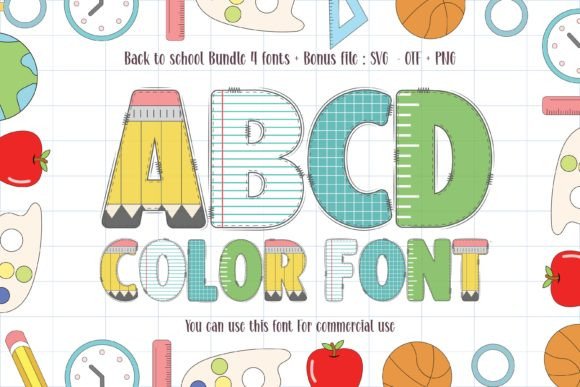 Creative Back to School Font Ideas for Projects
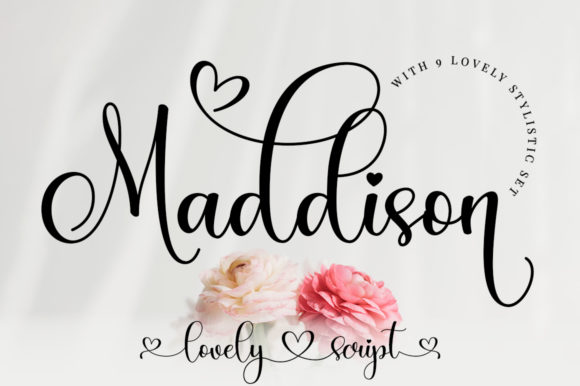 Maddison Font: Elegant Typography for Creative Projects
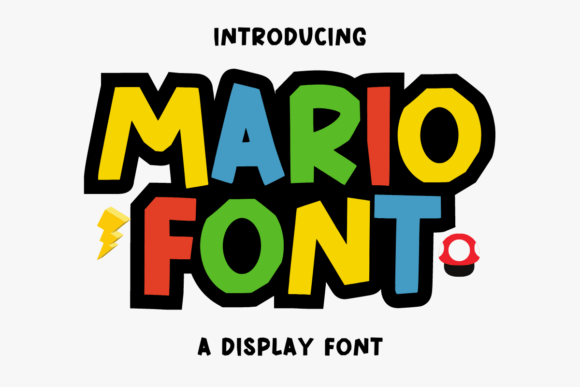 Mario Font: Retro Typography for Creative Projects
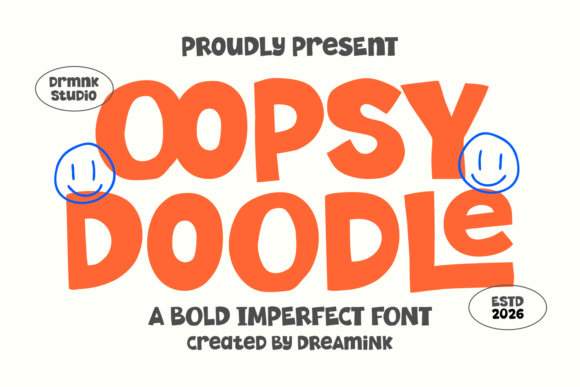 Oopsy Doodle Font: Playful Lettering for Creative Projects
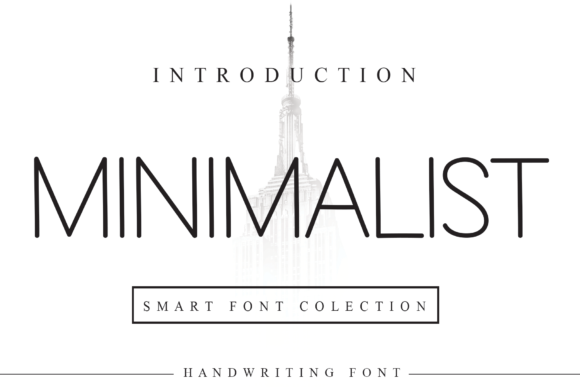 Minimalist Fonts to Elevate Your Design Projects
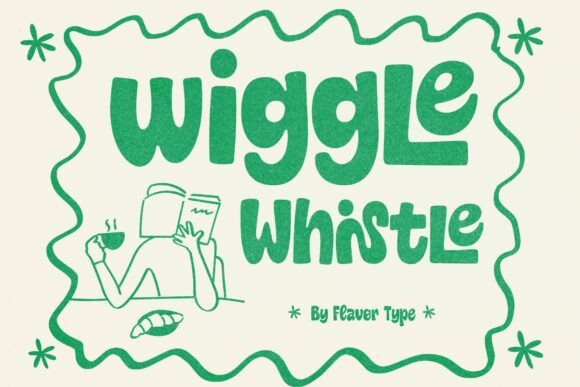 Wiggle Whistle Font: Playful Typography for Fun Projects