When designing materials for kids, standard black text often feels too serious. You need typography that feels playful, engaging, and visually stimulating. The Back to School Font solves this problem by offering thick, colorful letters that instantly grab a child's attention. Whether you are making classroom posters, educational worksheets, or fun apparel, this typeface brings a lively energy to your projects without requiring hours of manual coloring.
What makes a color font work for kids' designs?
Children respond strongly to bright colors and bold shapes. A color font bypasses the need for manual styling in your design software, giving you pre-styled letters that look hand-painted. The thick lettering in this specific style ensures readability from a distance, which is crucial for classroom decor, playground signs, or party banners. If you are exploring other colorful typefaces for different themes, you might also enjoy experimenting with spooky yet playful typography to match specific seasonal projects like Halloween.
How can print-on-demand sellers use this typeface?
For print-on-demand sellers and small business owners, standing out in the back-to-school niche is highly competitive. Using a unique, thick-lettered style helps your products pop on mockups and in marketplace search results. Here are a few practical ways to apply it:
- Kids' t-shirts and hoodies: Bold, colorful text prints beautifully on cotton and blends well with simple cartoon graphics.
- Tote bags for teachers: A fun, vibrant quote on a canvas bag makes a highly requested end-of-year gift.
- Stickers and decals: Die-cut stickers with thick outlines are easy to peel and highly popular for water bottles and laptops.
- Notebook covers: Custom spiral notebooks with bright, playful titles appeal to both students and parents looking for unique supplies.
Which software and cutting machines support color fonts?
Before you start designing, it is important to know that not all design programs render color fonts perfectly. Modern software like Adobe Illustrator, Photoshop, and Canva generally support OpenType SVG color fonts. When downloading this exact back to school style, check the file formats included. SVG and OTF files usually carry the color data, while standard TTF files might only provide the base black shapes.
For crafters using Cricut or Silhouette machines, keep in mind that cutting software often strips the color data from SVG fonts. You will likely need to use the print-then-cut feature or manually color the base shapes in your design space before sending the file to your physical machine. Always test a single word in your specific software before committing to a full layout.
What are the best pairings for thick, playful letters?
Because the letters are thick and highly detailed, they act as the main focal point of your design. You should avoid pairing them with other heavy or decorative typefaces, which will make the final image look cluttered. Instead, use a clean, simple sans-serif font for the body text or secondary information.
- Use a light or regular weight sans-serif for dates, times, and locations.
- Keep the background simple so the vibrant letters do not get lost in busy patterns.
- Limit the color font to headlines, titles, or short phrases of three to five words.
Quick Setup Checklist for Your Next Project
- Verify your design software supports OpenType SVG color fonts.
- Install both the OTF and TTF versions to see which renders best in your specific program.
- Type out your main headline and adjust the kerning if the thick edges overlap.
- Add a simple, solid-color background to make the vibrant letters stand out.
- Export your final design as a high-resolution PNG or PDF to preserve the crisp edges.
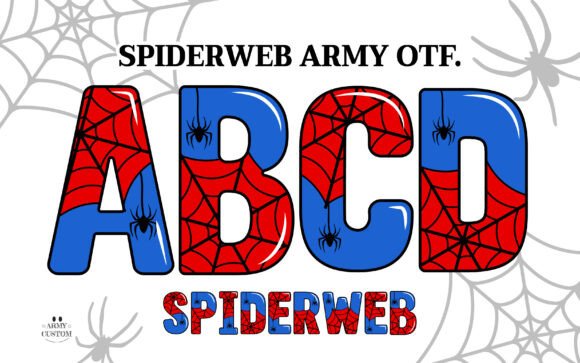 Spiderweb Army Font: Edgy Type for Bold Designs
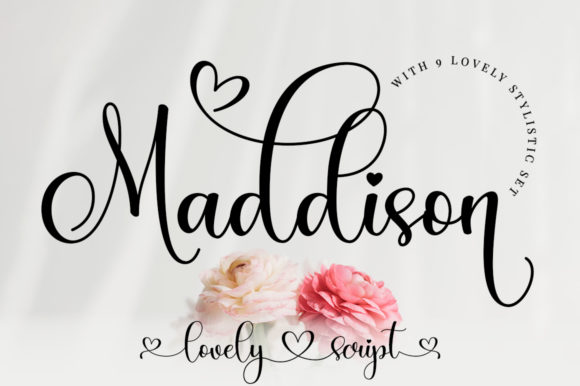 Maddison Font: Elegant Typography for Creative Projects
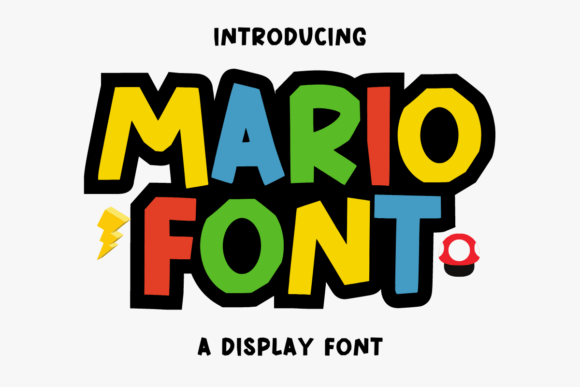 Mario Font: Retro Typography for Creative Projects
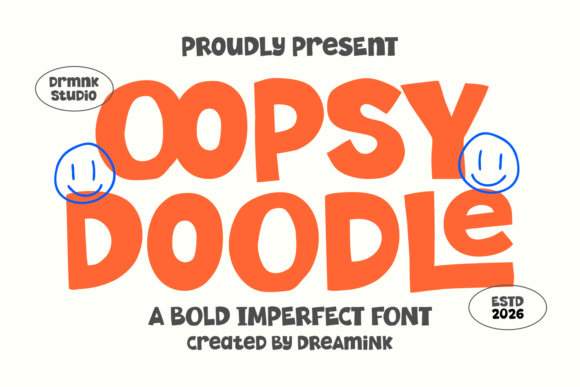 Oopsy Doodle Font: Playful Lettering for Creative Projects
 Minimalist Fonts to Elevate Your Design Projects
 Wiggle Whistle Font: Playful Typography for Fun Projects