Finding the right typography can completely change the feel of a crafting project or a print-on-demand product. If you want a mix of elegance and playfulness, the Beautiful Wildflower Duo Font offers a highly practical solution. This package includes two distinct typefaces that work perfectly on their own but truly shine when paired together. Whether you are designing wedding invitations, branding for a small boutique, or cheerful greeting cards, having a reliable script and a clean supporting text makes the design process much smoother.
How do the two fonts work together in a single design?
A duo font package takes the guesswork out of pairing typefaces. With this set, you get a flowing, expressive script alongside a simpler, highly readable companion font. The script handles the decorative elements, like main headings or monograms, while the secondary font takes care of the smaller details, such as dates, addresses, or product descriptions.
This balance is especially helpful for crafters and small business owners who might not have formal graphic design training. You do not have to worry about clashing styles. If you are looking for other pairing options to expand your toolkit, browsing through a clean and structured typeface collection can give you more ideas for minimalist layouts.
What does PUA encoding mean for my design workflow?
One of the most useful features of this package is that it is PUA encoded. This simply means that all the extra swashes, ligatures, and alternate characters are easily accessible directly from your keyboard or character map. You do not need expensive, professional-grade software to use the fancy tails and floral accents.
For hobbyists using basic tools like Cricut Design Space, Silhouette Studio, or Canva, this is a massive time-saver. You can copy and paste the exact glyph you want without struggling through complicated software menus. If you prefer a different aesthetic for your floral projects, checking out a similar botanically inspired set might also suit your specific crafting needs.
Where can I use these typefaces for print-on-demand products?
The cheerful and stylish vibe of these letters makes them highly versatile for physical products. Here are a few ways sellers and crafters apply them:
- Apparel: Printing short, catchy quotes on t-shirts or tote bags where the script font acts as the main focal point.
- Stationery: Creating custom wedding suites, save-the-date cards, and thank-you notes that require a personal, handwritten feel.
- Home Decor: Designing wooden signs, acrylic cake toppers, or throw pillows for nurseries and living rooms.
- Packaging: Adding a custom, boutique touch to product labels, tissue paper stamps, and shopping bags for small businesses.
When designing merchandise, legibility is just as important as style. If your project requires a highly readable base text to balance out the decorative script, you might want to explore a straightforward and clear alternative to ensure your customers can easily read the smaller print.
How do I install and access the extra swashes on my computer?
Getting started is straightforward. After downloading the files, you will typically find OTF and TTF formats. Both work well, but OTF is generally preferred for crafting because it handles advanced typographic features a bit better. When you are ready to start, reviewing the complete character map for this set helps you plan your layout before opening your design software.
- Unzip the downloaded folder and double-click the font files to install them on your operating system.
- Open your design software and select the font from the text dropdown menu.
- To access the swashes, open your computer’s Character Map on Windows or Font Book on Mac.
- Scroll through the available glyphs, copy the specific swash you like, and paste it directly into your design canvas.
If you find that a heavily swashed script feels too ornate for your specific brand identity, a more relaxed and modern handwriting style could provide a simpler, everyday look for your projects.
Quick checklist before sending your design to print
Before you finalize your project or send it to a printing press, run through this quick checklist to ensure your typography looks professional:
- Check the contrast: Make sure the delicate swashes of the script font do not get lost against busy background patterns.
- Outline your text: If you are sending the file to a professional printer or using a cutting machine, convert your text to outlines or paths so the font does not change if the receiving computer lacks the files.
- Test the scale: Print a physical draft at actual size. Swashes that look great on a large monitor might be too thin to cut properly on a vinyl plotter.
- Review the spacing: Adjust the kerning manually if certain letter combinations look awkwardly spaced, especially around the custom swashes.
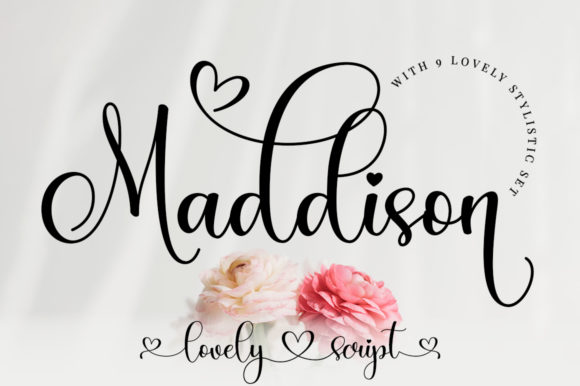 Maddison Font: Elegant Typography for Creative Projects
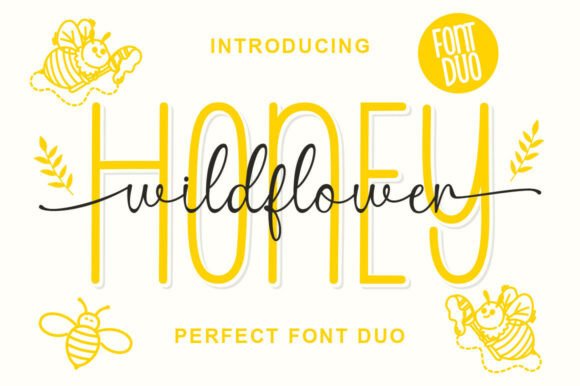 Wild Flower Honey Duo Font for Organic Branding
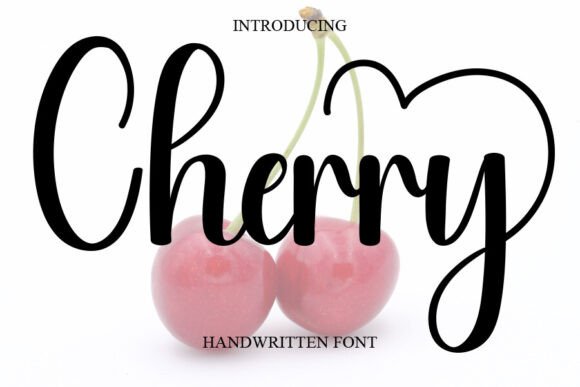 Cherry Font: Playful Typography for Creative Projects
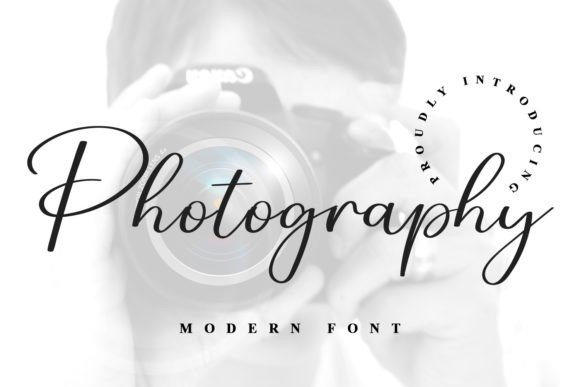 Best Photography Fonts for Portfolios
 Designing with the Barbie Font: Creative Project Ideas
 Mastering Grid Layouts with Alignment Fonts